
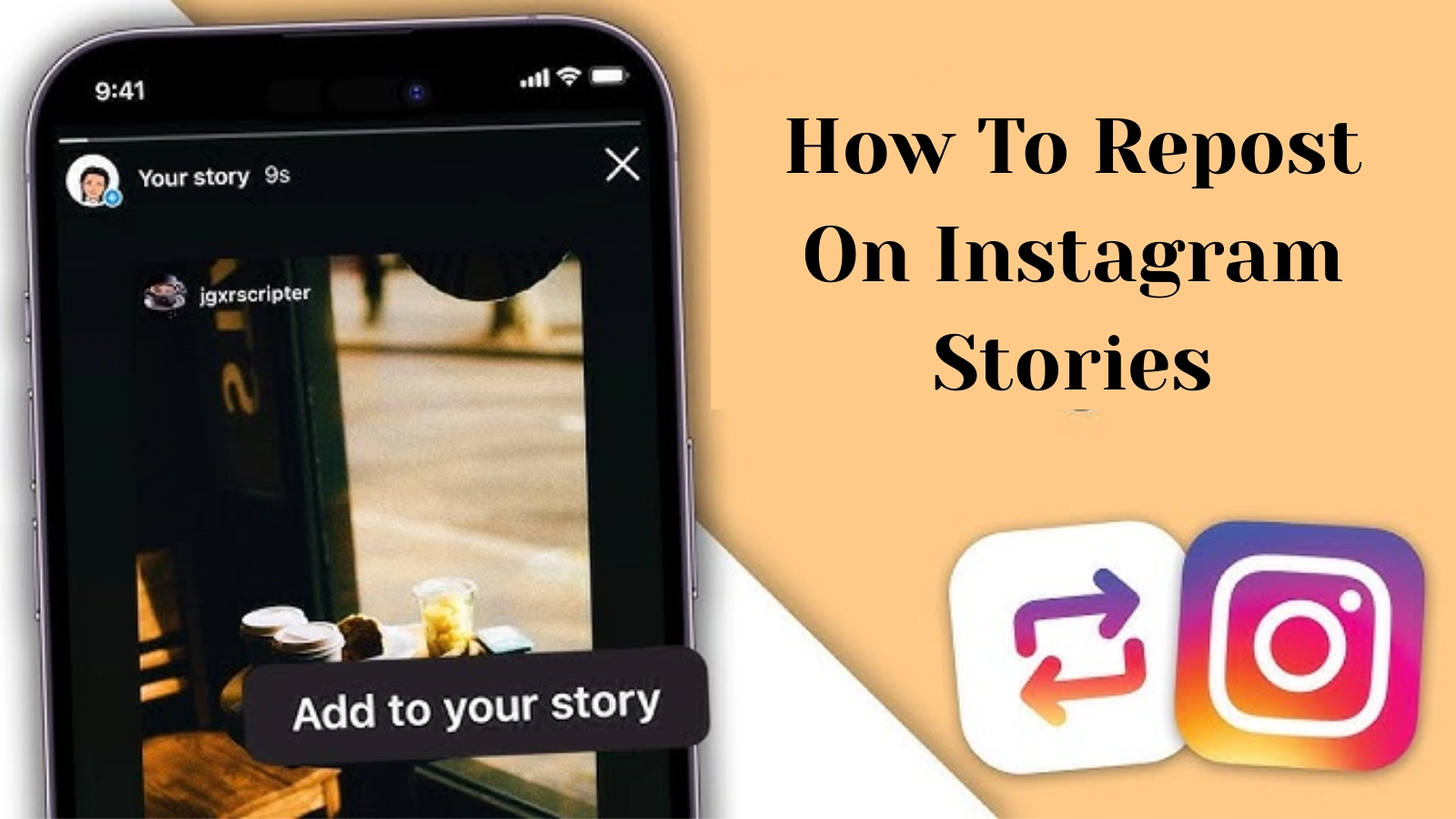
The Ultimate Guide to Reposting Instagram Posts: Tips and Tricks
In the world of Instagram, engaging with content is vital for growing your audience and keeping your followers interested. One effective way to do this is through reposting instagram post. Whether you’re looking to share something funny, inspirational, or informative, reposting allows you to connect with your audience in a meaningful way. But how do you do it right? This guide will walk you through the ins and outs of reposting on Instagram.
Why Repost on Instagram?
Reposting is an excellent way to amplify your presence on Instagram. Here are a few reasons why you might consider reposting:
- Engagement: Sharing quality content from others shows your followers that you care about their interests and are engaged with the broader community.
- Content Variety: Reposting adds diversity to your feed, keeping it fresh and entertaining for your audience.
- Networking: By sharing others’ work, you can foster relationships and build community with other creators.
- Credibility: By showcasing high-quality posts related to your niche, you enhance your own authority and credibility.
How to Repost on Instagram: Step-by-Step Guide
Reposting isn’t as straightforward as clicking a button. Follow these steps to do it correctly:
1. Choose the Right Content
Before reposting, ensure the content aligns with your brand’s message or your personal interests. This is crucial, as it needs to resonate with your audience. Consider if the post is engaging, relevant, and enhances the overall aesthetic of your feed.

2. Get Permission
Respecting content creators is vital. Always ask for permission before reposting someone else’s work. This not only shows good etiquette but also helps in building relationships. Send a quick direct message or comment on the post asking for their approval. Most creators appreciate when others ask, and they may be more willing to engage with you in the future.
3. Use Reposting Apps
While you can manually screenshot and upload posts, it’s best to use a reposting app. These apps facilitate easier sharing and ensure you credit the original creator. Popular options include:
- Repost for Instagram
- Regrammer
- RepostMe
These apps generally make it easy to copy the post, and they’ll include the original creator’s handle in your repost.
4. Give Proper Credit
When reposting, always tag the original creator. You can do this in the caption or the post itself. A simple note like “📷: @username” works perfectly. This not only gives credit where it’s due but also invites others to explore the original creator’s content.
5. Add Your Voice
Don’t just repost—add something valuable to your audience. Share your thoughts on the post, ask questions, or provide context. This encourages interaction and shows that you’re not just rehashing content but actively engaging with it.
Best Practices for Reposting
Here are some best practices to keep in mind when reposting:
- Keep it Relevant: Only repost content that is relevant to your niche or audience.
- Aesthetics Matter: Ensure that the post fits the overall look and feel of your feed.
- Engage with Comments: Respond to comments on your reposts to foster community and engagement.
- Monitor Engagement: Pay attention to how your audience interacts with reposted content. This can guide your future reposting decisions.
Legal Considerations When Reposting
It’s essential to understand that reposting someone else’s content without permission can have legal implications. Copyright infringement is a real issue, especially if you’re using the content for commercial purposes. Always strive to get consent from the original creator, and when in doubt, cite the source.
Conclusion
Reposting on Instagram is a powerful way to engage with your audience and share quality content while respecting creators. By following the steps and tips outlined in this guide, you can effectively repost without complications. Remember, the key to successful reposting is to be respectful and engaging in your approach. Happy reposting!
